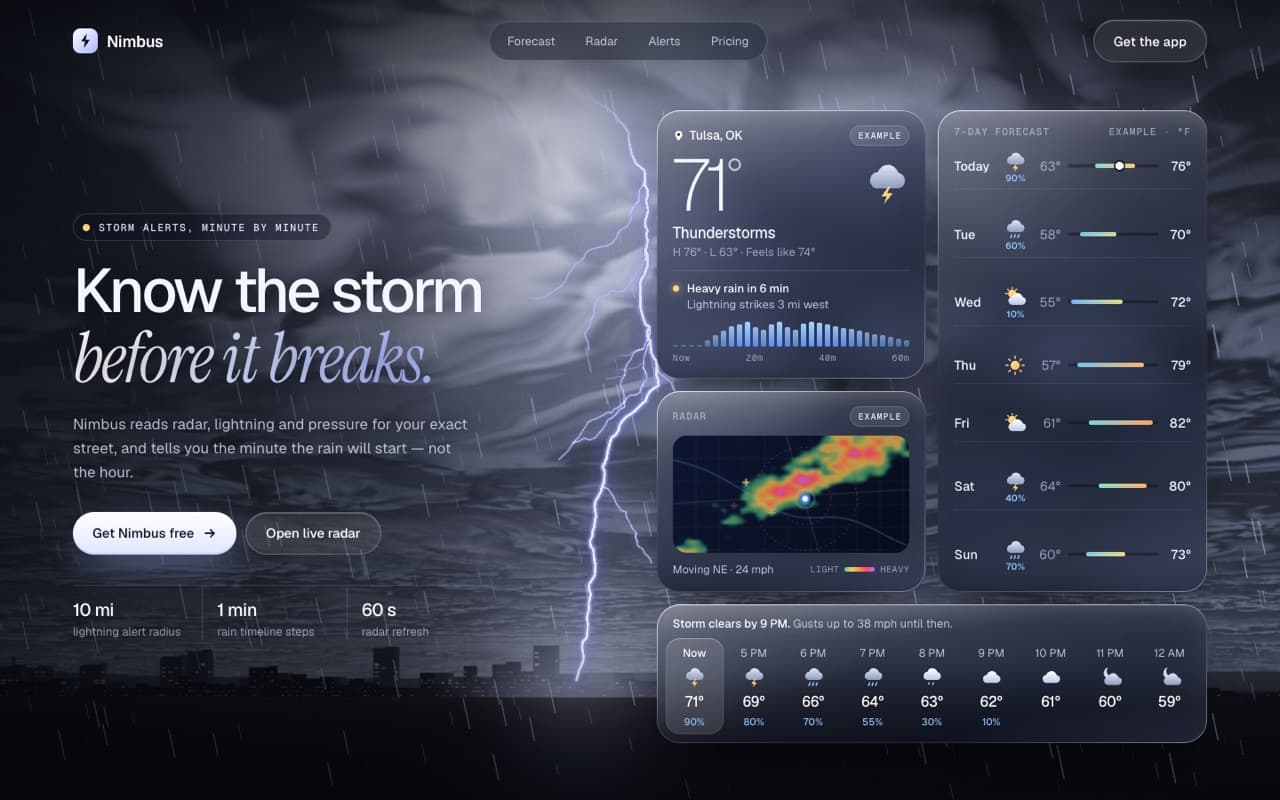
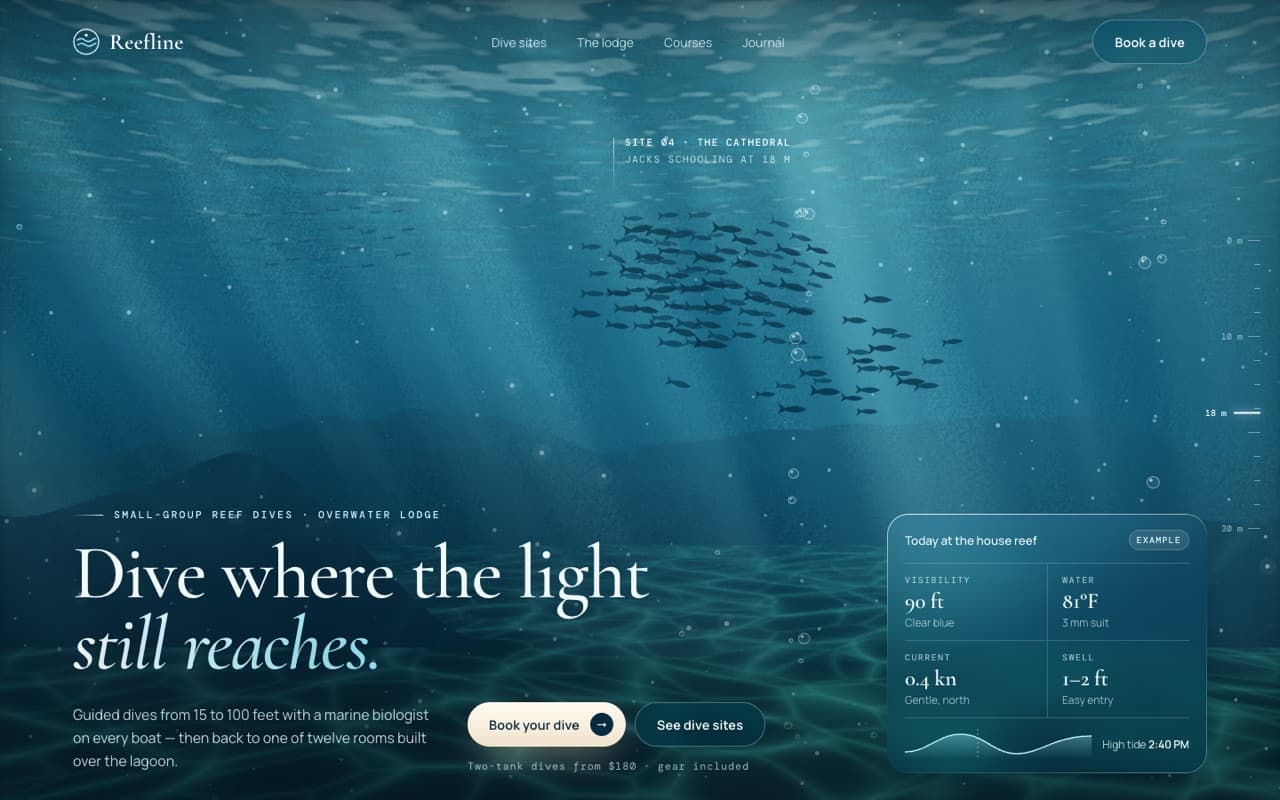
Live topographic map with a routed trail (WebGL)
A tilted contour map drawn in a shader: hypsometric tints, a trail routed by slope with a walking hiker, summit labels, and ground that rises under the cursor.
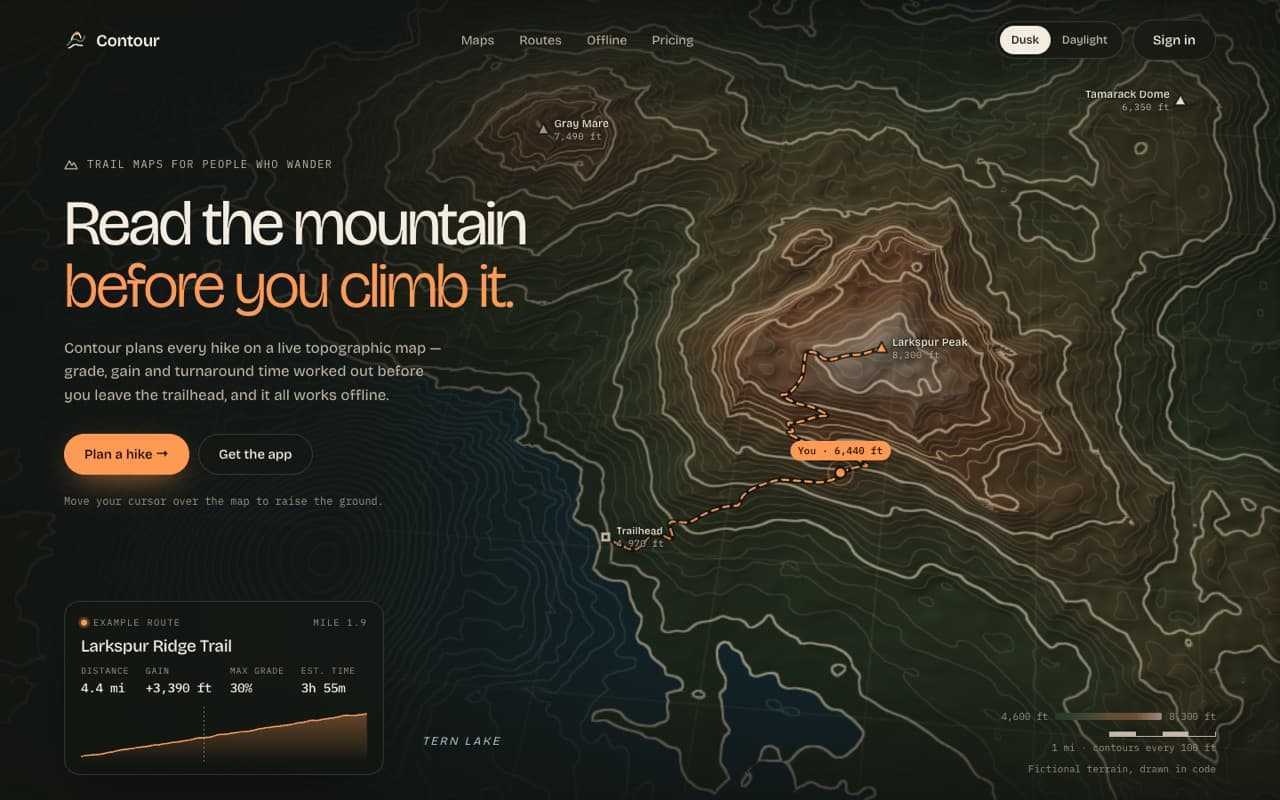
Live — built from this exact promptOpen live demo
prompt.md
Course onlyBuild a single, self-contained index.html: a landing hero for a [PRODUCT TYPE, e.g. hiking and trail app] on a live, tilted topographic map. Brand: [PRODUCT NAME] — [WHAT IT DOES IN ONE SENTENCE] Headline: [LINE 1] / [LINE 2, accent colour] Palette: [e.g. dusk: moss, olive, umber, rust, pale stone + orange #ff9a52; daylight: sage, sand, ochre on paper #efe7d6] Technical rules
The full prompt comes with the course
All 55 prompts in the library are part of the Vibewrights course. Enrollment opens in January 2027 — join the waitlist to get the founding-member price.
See what's includedWhat you'll get
- ✓Anti-aliased contour lines from a heightfield with fwidth
- ✓One height function shared by the shader and JavaScript
- ✓A trail routed by slope, with real distance, gain and time
- ✓A dusk and a daylight theme, plus a cursor-raised hill
How to use it
- 1Replace everything in [BRACKETS] with your own product, copy and colors.
- 2Paste it into Claude Code, Cursor, Lovable or Bolt and open the page in Chrome.
- 3Compare with the live demo, then tune one thing at a time.
— From the course
You'll build this end-to-end in Module 3, with a step-by-step video walkthrough and AI feedback on your project.