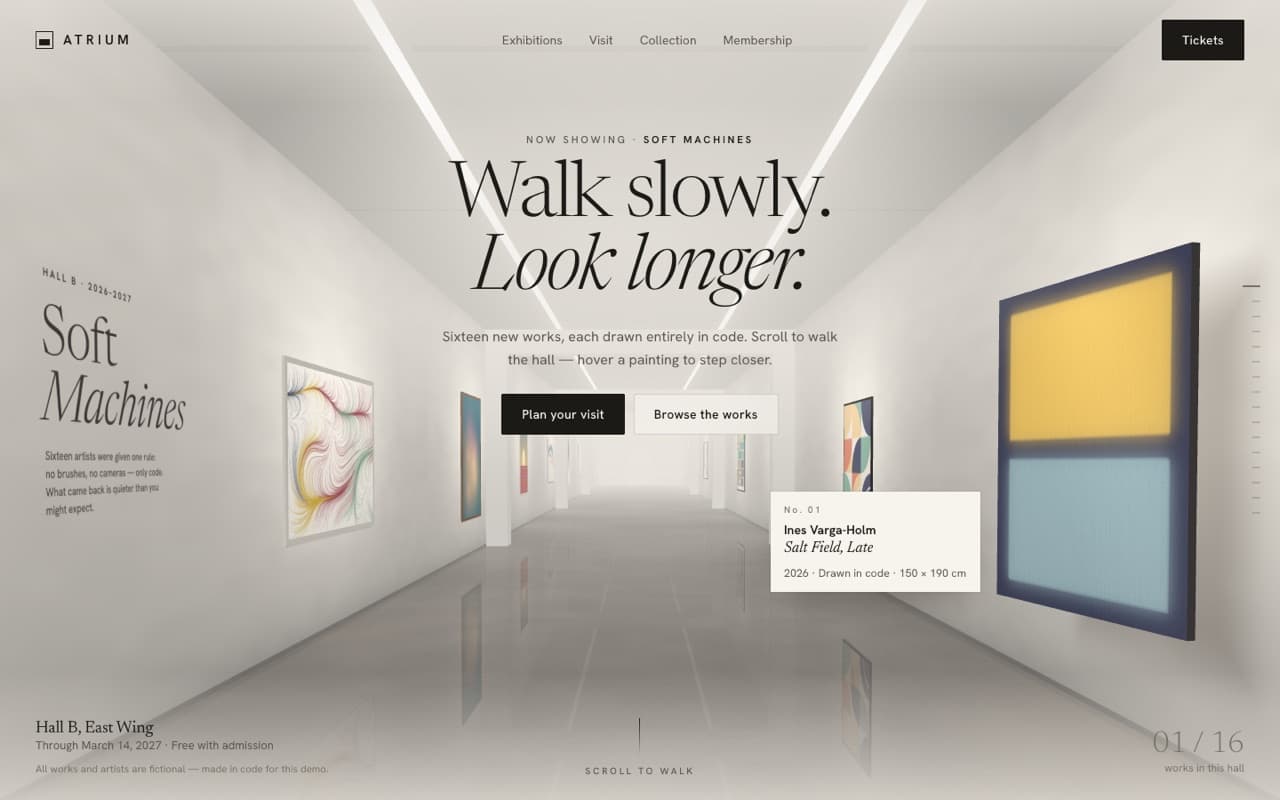
Real-time ink fluid simulation hero (WebGL)
A real stable-fluids simulation on the GPU: your cursor pushes glowing, swirling ink across a dark landing page for a creative tool.
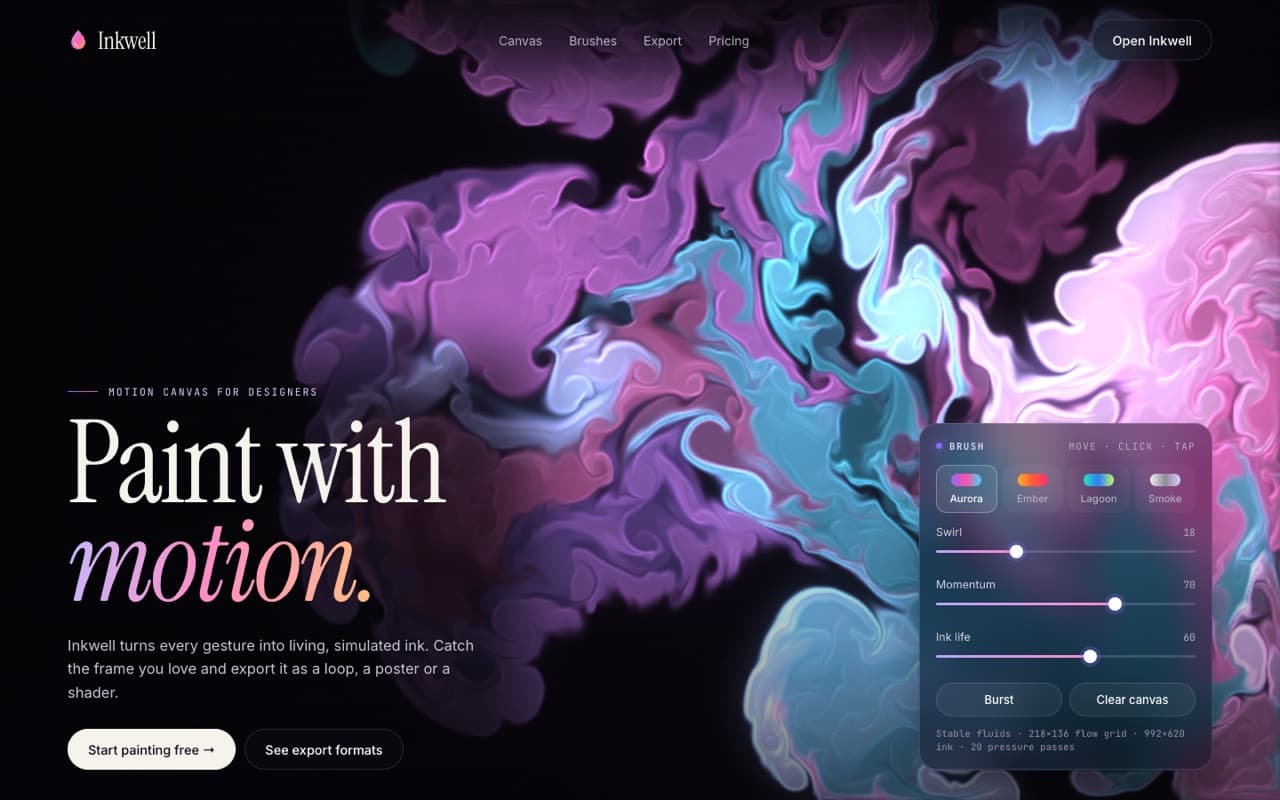
Live — built from this exact promptOpen live demo
prompt.md
Course onlyBuild a single, self-contained index.html: a dark landing page for a [CREATIVE TOOL, e.g. motion canvas for designers] where a real-time ink fluid simulation fills the screen and follows the cursor. Brand: [PRODUCT NAME] — [WHAT IT DOES IN ONE SENTENCE] Headline: [LINE 1, upright] / [LINE 2, italic gradient], e.g. "Paint with / motion." Palettes: [4 PALETTES OF 3 COLOURS, e.g. Aurora #8b6bff #ff4fa3 #3fd9ff, Ember, Lagoon, Smoke] Technical rules
The full prompt comes with the course
All 55 prompts in the library are part of the Vibewrights course. Enrollment opens in January 2027 — join the waitlist to get the founding-member price.
See what's includedWhat you'll get
- ✓A full stable-fluids solver written in plain WebGL shaders
- ✓Cursor strokes that push velocity and drop colour-cycling ink
- ✓Glowing ink with bloom, edge light and a wet sheen
- ✓A brush panel with palettes and live simulation sliders
How to use it
- 1Replace everything in [BRACKETS] with your own product, copy and colors.
- 2Paste it into Claude Code, Cursor, Lovable or Bolt and open the page in Chrome.
- 3Compare with the live demo, then tune one thing at a time.
— From the course
You'll build this end-to-end in Module 3, with a step-by-step video walkthrough and AI feedback on your project.