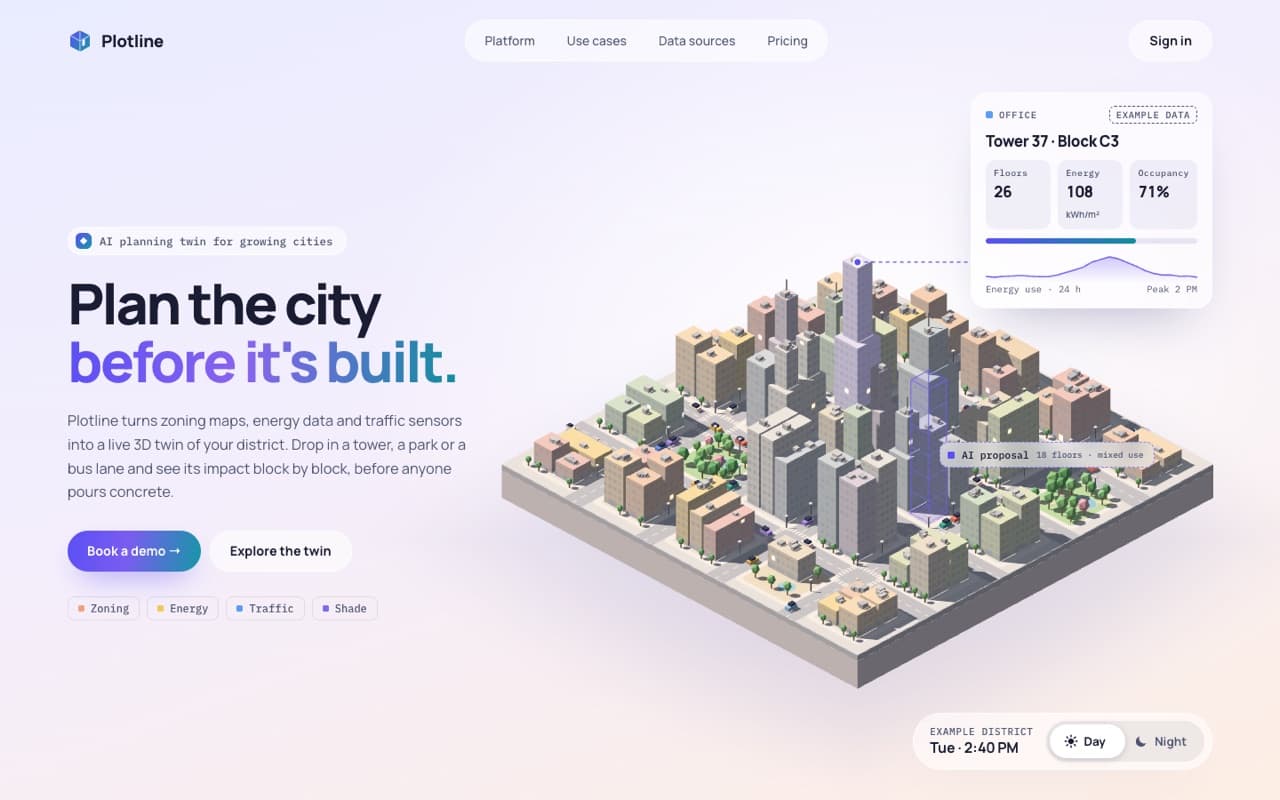
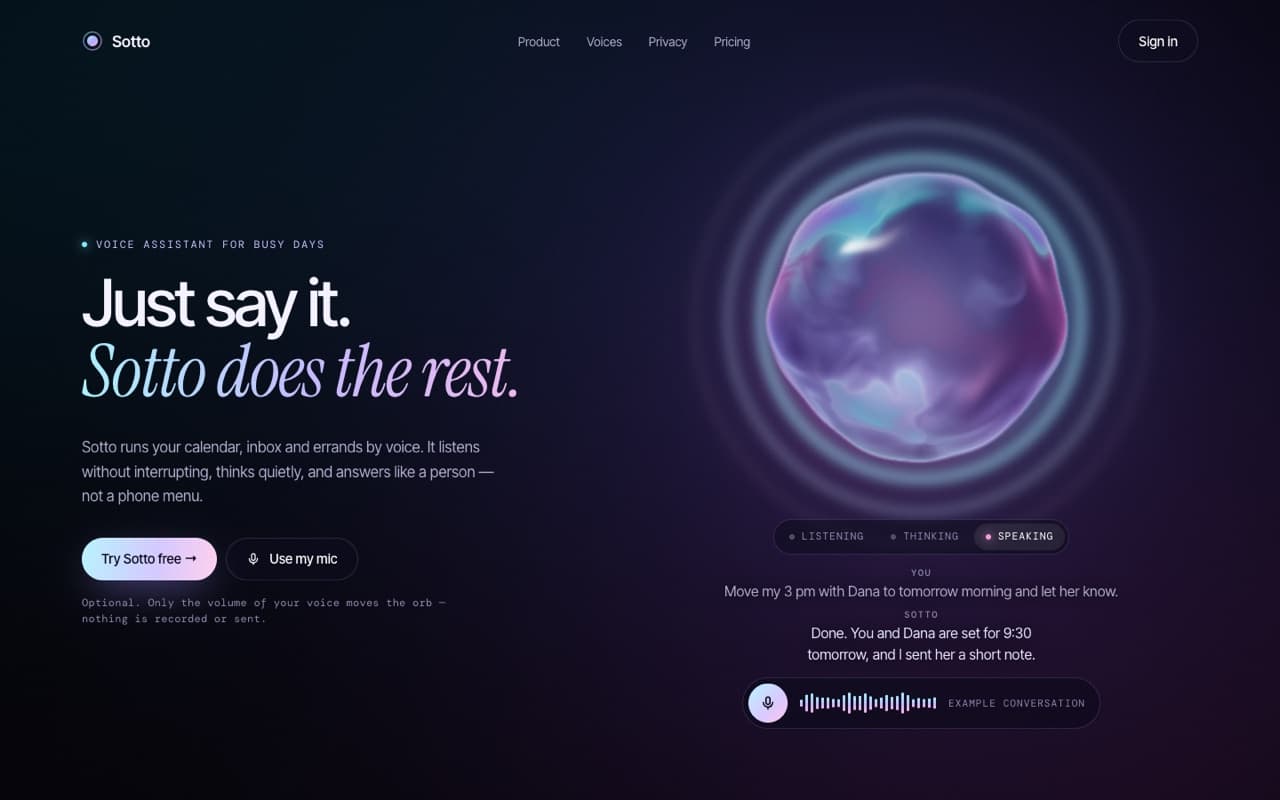
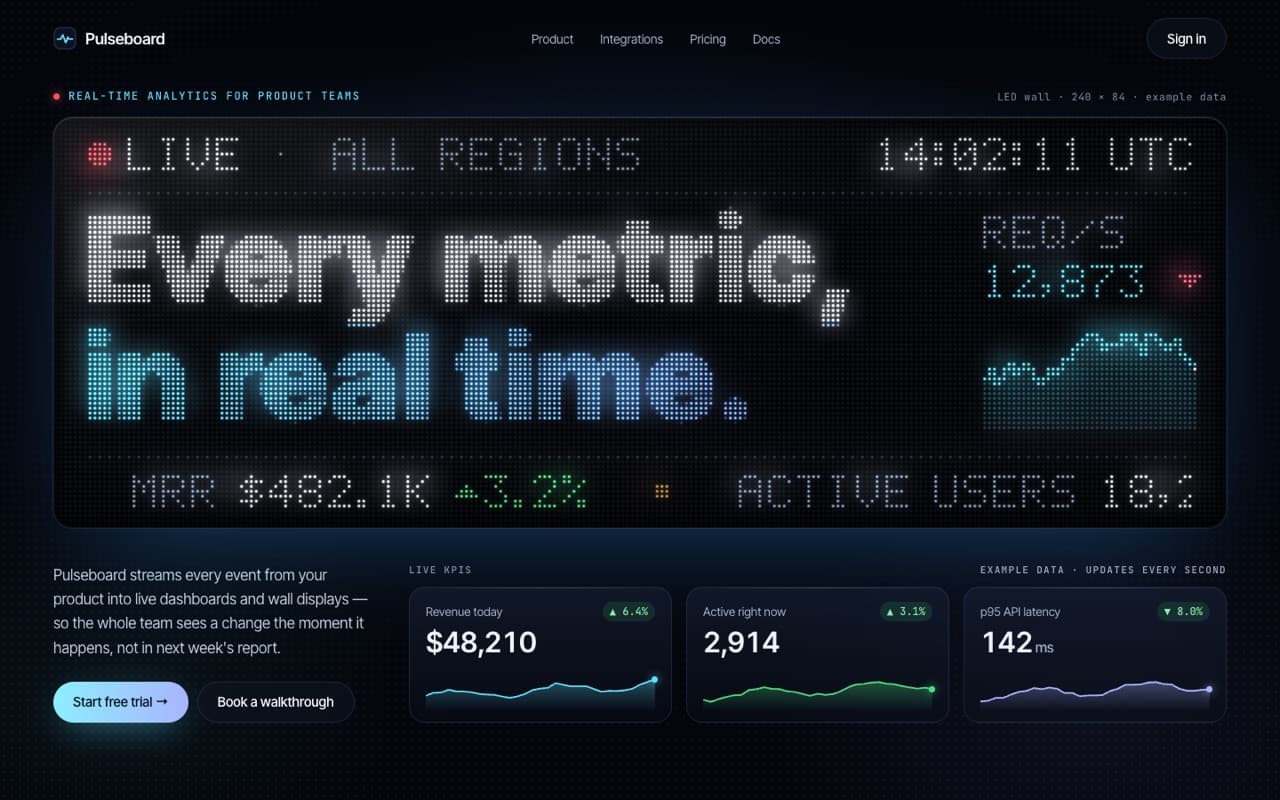
Shader-gradient hero for an AI startup
A living WebGL gradient that flows like silk behind a glass nav, an email capture and a tilting product preview.
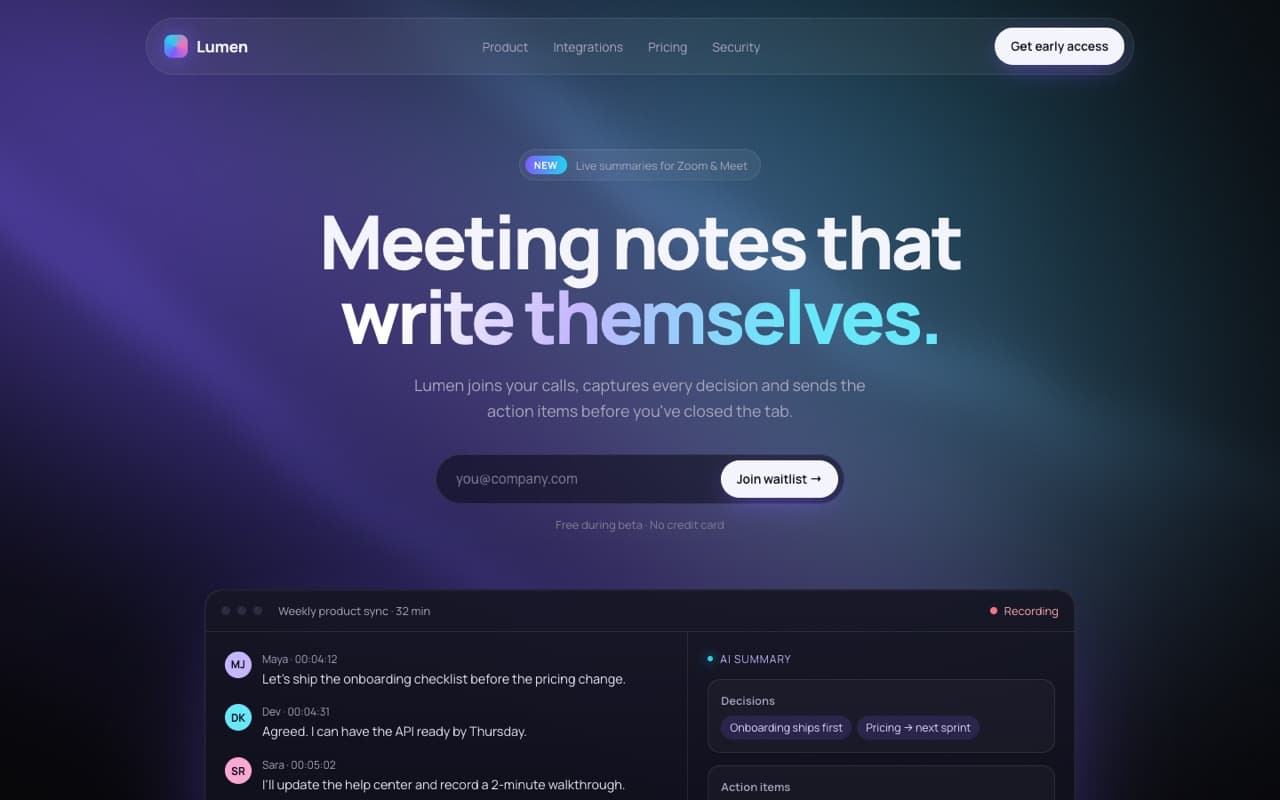
Live — built from this exact promptOpen live demo
prompt.md
Course onlyBuild a single, self-contained index.html: a dark hero section for an AI startup with a living shader-gradient background and a floating product preview. Brand: [PRODUCT NAME] — [WHAT IT DOES IN ONE SENTENCE] Audience: [WHO IT'S FOR] Accent colors: [4 COLORS, e.g. violet #7c5cff, cyan #22d3ee, pink #f472b6, deep blue #2933bf] Technical rules - One file. All CSS in one <style>, all JS in inline <script>s. Google Fonts allowed (Manrope or a similar geometric sans). No libraries. - No images or videos — every visual is a shader, CSS, SVG or HTML.
The full prompt comes with the course
All 55 prompts in the library are part of the Vibewrights course. Enrollment opens in January 2027 — join the waitlist to get the founding-member price.
See what's includedWhat you'll get
- ✓A full-screen WebGL shader gradient, with a CSS fallback
- ✓Glass navigation and a working email form
- ✓A product preview that tilts toward the mouse
- ✓Reduced-motion and mobile versions built in
How to use it
- 1Replace everything in [BRACKETS] with your own product and colors.
- 2Paste it into Lovable, Bolt or Claude Code and open the result in your browser.
- 3Compare it with the live demo, then ask for one change at a time.
— From the course
You'll build this end-to-end in Module 2, with a step-by-step video walkthrough and AI feedback on your project.